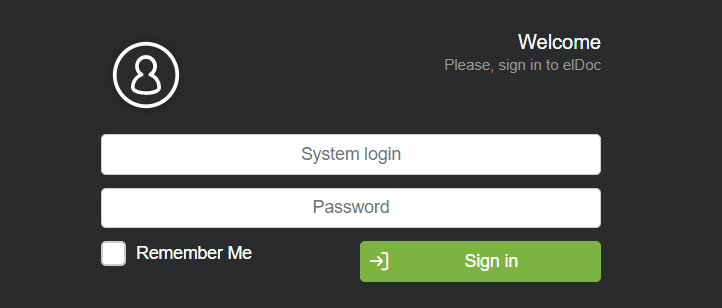
The login page includes a password reset feature. To reset your password, click 'Forgot password?', enter your registered email address, and follow the instructions in the email sent to that address. Learn more: login to the system
After logging into elDoc, you will be directed to the main page, where you can choose the module you wish to start with: AI File Management, AI Document Processing, Document Workflow Automation, eSignature. Each module offers a distinct set of features and functionalities.
By activating the "Set as default" option for a module, you can save it as your preferred module. The next time you log into elDoc, this module will be displayed as your default choice.
However, you can navigate to any other module at any time by returning to the main page.
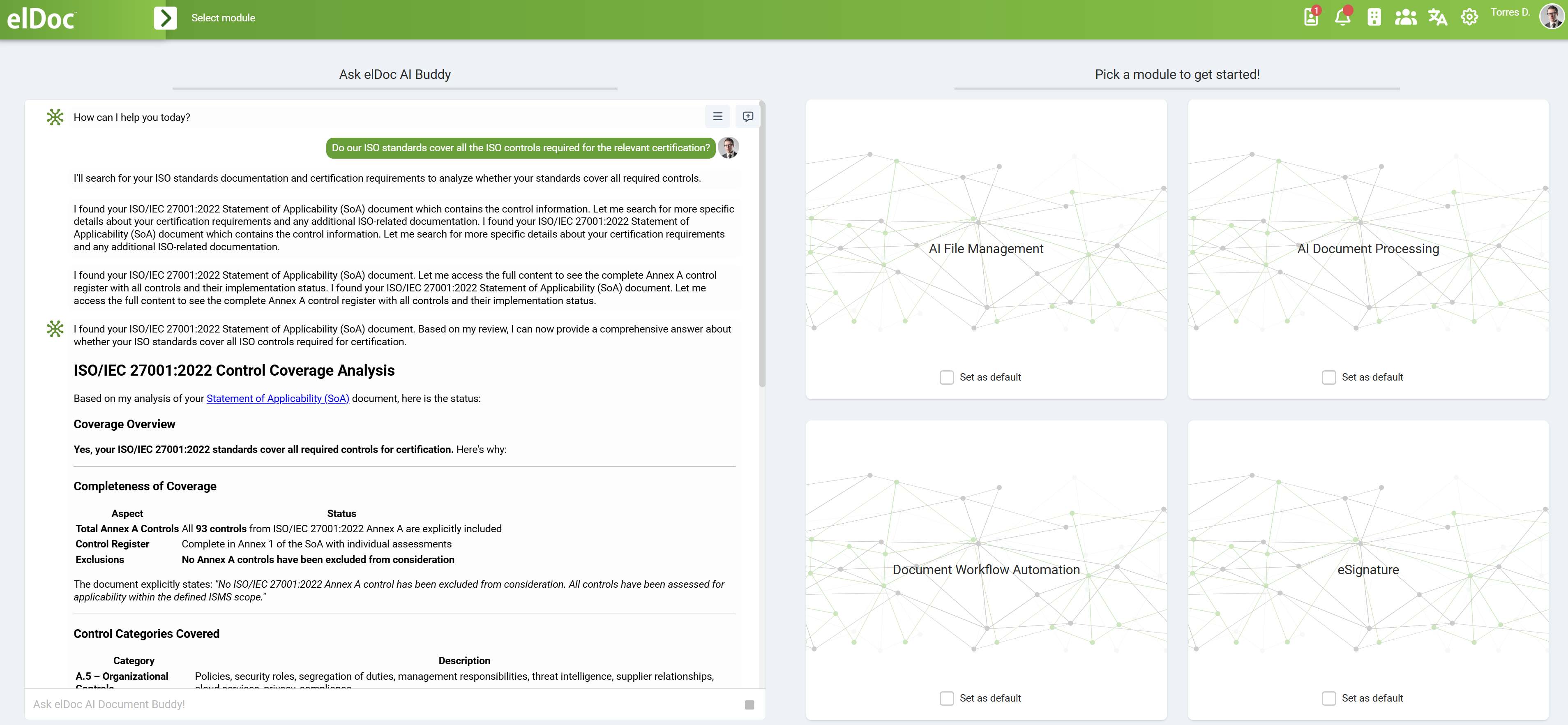
Note: If you have subscribed to a specific module only, you will see only the module included in your subscription.
Learn more: elDoc main interface